Zoho Analytics Connector Updates Q1 2026: What to Build for Your Clients First

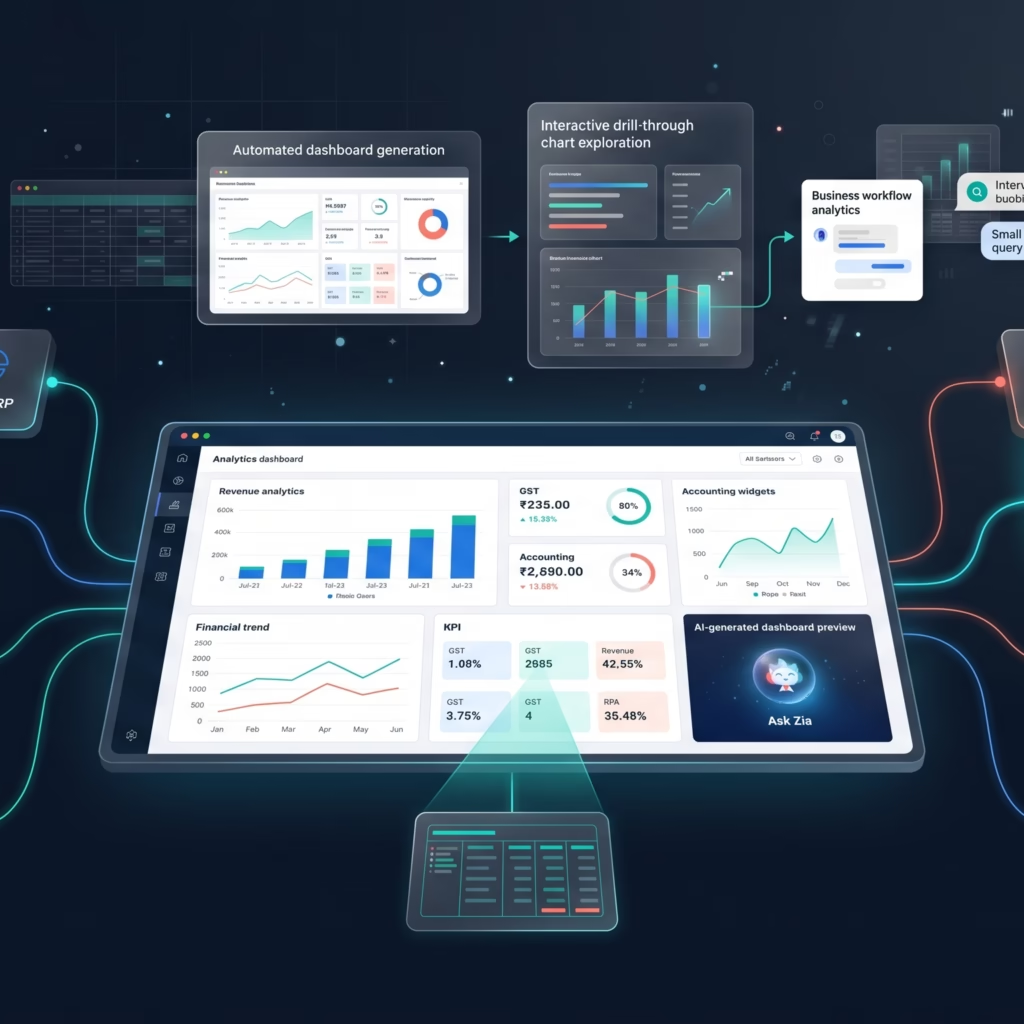
There is a version of this story every Zoho Analytics consultant has lived. You spend an afternoon building a Zoho Analytics connector for a client, wire it to their Books account, lay out twelve widgets, and walk them through the whole thing. They nod. Three weeks later you ask how the dashboard is going and they say they meant to look at it.
The dashboard was never the problem. The data behind it was. You had Books. You did not have Tally. The CRM connector pulled from a tool the sales team quietly abandoned eight months back. The data was technically live but practically useless — a picture of workflows nobody was following.
Q1 2026 changed the Zoho Analytics connector story in ways that matter specifically for Indian SMB clients and the CA firms that serve them. Nine new connectors shipped. One of them — Tally Prime — removes the single biggest data gap that kept those dashboards from earning a daily open. Here is what changed, what it unlocks, and which Zoho Analytics connector to set up first.
Table of Contents
Why Most Dashboards Die After Week One
Clients do not stop opening dashboards because the design was bad. They stop because the dashboard stopped being true. One data source went stale. A CSV that someone was supposed to upload every Monday stopped getting uploaded. The sales rep whose numbers looked great on screen left the company.
The fix is not better design — it is better Zoho Analytics connector coverage. When the data refreshes automatically and reflects what actually happened today, clients open the dashboard because it earns their attention. Every morning it tells them something they did not already know. That is the bar. The Q1 2026 updates get several more client stacks over it.
The Q1 2026 Zoho Analytics Connector List
Nine Zoho Analytics connectors went live in Q1 2026. Here is the full list with the use case each one unlocks:
| Zoho Analytics Connector | Primary Use Case |
|---|---|
| Zoho ERP | Manufacturing and inventory ops alongside financials |
| PayPal | Reconcile payment volumes without CSV exports |
| Zoho Spend | Employee expense visibility in one place |
| Odoo Online | Cross-system reporting for clients on Odoo ERP |
| Zoho FSM | Field service metrics — jobs, technicians, SLA tracking |
| Adobe Commerce | E-commerce order and revenue data |
| Tally Prime | Native pull of Tally ledger and transaction history |
| Insightly | CRM pipeline and contact data |
| Constant Contact | Email campaign performance alongside revenue |
The breadth matters less than what the list now makes possible. Most Indian SMB clients run either Zoho Books or Tally Prime as their accounting backbone. Before Q1 2026, the Books Zoho Analytics connector was solid. Tally required a third-party ETL tool, a scheduled export, or a manual CSV workflow that someone eventually forgot to run. None of those options are good enough for a dashboard a client is supposed to trust every morning.
Tally Prime Zoho Analytics Connector: The One That Matters Most
The Tally Prime Zoho Analytics connector is the most significant addition on this list for CAs migrating clients toward Zoho. Not because Tally is going away — it is not — but because most Indian SMB clients have five or more years of financial history sitting in Tally that no Zoho dashboard has ever been able to query live.
Before this connector, getting Tally history into a Zoho Analytics workspace meant one of three things:
- A paid middleware connector with its own maintenance overhead
- A custom Python script hitting the Tally ODBC interface (which someone has to maintain when Tally updates)
- Periodic Excel uploads that someone forgot to run after the first month
All three created data lag clients could feel. The dashboard showed last week, not this morning. The Tally Prime Zoho Analytics connector eliminates that plumbing entirely. You authenticate once, map your client’s Tally company file, and Zoho Analytics pulls ledger data, vouchers, and party-wise balances directly on a schedule. The receivables ageing report now reflects today’s Tally entries, not last Friday’s export.
How to Set Up the Tally Prime Connector
The setup takes under fifteen minutes for a standard client:
- In Zoho Analytics, go to Data Sources → Cloud Databases → Tally Prime
- Authenticate with the client’s Tally credentials and select the company file
- Choose which tables to sync — Ledger, Stock Items, Vouchers, and Day Book are the high-value starting points
- Set sync frequency (hourly is available on paid plans)
- Join the Tally tables with any existing Zoho Books workspace using a shared party name or account code column
The result is one dashboard that shows Books invoices raised alongside Tally payment entries — the complete AR picture with no manual reconciliation step in the middle. That is the dashboard clients actually open, because it answers the question they were checking WhatsApp to ask you.
If you are still setting up the CRM side of a client’s Zoho stack, our Zoho CRM implementation guide covers the full setup before you connect it to the analytics layer.
Ask Zia: Build a Dashboard Without Building a Dashboard
Once your Zoho Analytics connector is pulling live data, you still have to build the dashboard. Ask Zia now accepts natural-language prompts to generate complete dashboards end-to-end. You describe what you want — layout, chart types, KPIs, date filters — and Zia builds it.
A prompt that works well in practice with Tally data:
Create a cash flow dashboard using the Tally Prime ledger data. Show monthly inflows and outflows as a stacked bar chart, outstanding receivables by party as a table sorted by amount descending, and total cash balance as a KPI widget at the top. Filter by financial year.
Zia generates the dashboard, places the widgets, and applies the filters. You review, fix any column mappings where Zia guessed wrong, and publish. For a client whose Zoho Analytics connector pulls clean, well-named fields, the whole process takes fifteen minutes instead of an hour.
One honest caveat: Zia infers intent from column names and data types. If your Tally sync pulled a field called VoucherAmount with no context, Zia may place it in the wrong chart. Rename columns to plain English during Zoho Analytics connector setup and Zia’s accuracy improves substantially. The five minutes spent on column naming saves thirty minutes of post-generation cleanup.
Drill-Through: Self-Service Without the WhatsApp Message
Before Q1 2026, drill-through navigation on Zoho Analytics dashboards worked only on standalone reports. If a client spotted an anomaly on a dashboard widget and wanted the detail behind it, they had to leave the dashboard and open the underlying report separately. Most did not bother. They sent a WhatsApp message asking you to pull the data instead.
Drill-through now works directly on dashboard widgets. Configure it from Widget Actions → Add Drill-Through. You define the target view (another dashboard or a report) and the filter context (which dimension the click passes through). A client clicking a bar in the monthly sales chart now lands on the underlying invoice list, pre-filtered to that month, without leaving the dashboard.
For client-facing dashboards where the goal is genuine self-service, drill-through removes the friction that sent them to WhatsApp in the first place. That is a measurable improvement in how much your clients rely on the tools you built versus how much they rely on you to run queries for them.
Which Zoho Analytics Connector to Set Up First
If you manage Zoho Analytics for Indian SMB clients, the Tally Prime Zoho Analytics connector is the highest-ROI first step. Not because the other eight connectors are not useful — PayPal and Constant Contact will matter for certain clients — but because Tally is the single gap that has kept the most dashboards from earning a daily open.
The process: set it up for one client, join it to their Books workspace, build a single AR ageing dashboard. When that client opens it the next morning without a reminder from you, the use case sells itself to the next client on your list.
The Zoho Analytics connector list is now broad enough that the limiting factor is not data access. It is deciding which question your client asks you most often on WhatsApp, and building a dashboard that answers it before they think to ask. Start there. The daily open follows.
For a deeper look at what Zoho Analytics can do once your connectors are live, see our guide on connecting Zoho CRM to Zoho Analytics for sales intelligence.
Frequently Asked Questions
Does the Tally Prime Zoho Analytics connector work with older Tally versions?
The native Zoho Analytics connector is built for Tally Prime specifically. If your client is still on Tally ERP 9, you will need to migrate to Tally Prime first, or use a third-party middleware connector as a temporary bridge. Tally Prime is Tally Solutions’ current product and the version they are actively investing in, so migration is worth planning regardless of the Zoho Analytics connector question.
What plan do I need to use the new Q1 2026 Zoho Analytics connectors?
The Tally Prime Zoho Analytics connector requires the Basic plan or above. Most other connectors in the Q1 2026 list follow the same minimum. The free plan supports manual CSV uploads and a limited set of Zoho app connectors but does not include third-party data source connectors. If your client is on the free plan and needs Tally or PayPal data, the Basic plan at $30 per month is the entry point.
Can I join Tally Prime data with Zoho Books in the same Zoho Analytics dashboard?
Yes — this is the primary use case for the Tally Prime Zoho Analytics connector in Indian CA practices. Once both data sources are syncing into the same workspace, you join them using a shared column such as party name or ledger account code. The resulting dashboard shows Books invoices raised and Tally payment entries side by side, giving you a complete AR view with no manual reconciliation. It is the most common setup for clients running both systems in parallel during a Zoho migration.
Zoho Analytics is available as a standalone product and as part of the Zoho One suite. The Tally Prime Zoho Analytics connector requires the Basic plan or above. Ask Zia dashboard generation is available on all paid plans.
Share this content: